November 14, 2025 | Mehul Shah, Intelligere
What is Accounting Software? Types of Accounting Software. Guide for Small Businesses.
- Accounting software is a digital software that documents, tracks, and handles financial
transactions of a
company.
- It automatizes the invoicing process, minimizes mistakes, simplifies filing GST, and
provides
real-time
financial information.
- Key features include: Invoicing, expense tracking, bank reconciliation,
payroll, tax
management, and reporting.
- Types of Accounting Software: Desktop, cloud, industry-specific, and
ERP
solutions.
- Important for small businesses because it saves time, ensures compliance, helps growth,
and
enables better
financial decisions.
- Before picking a solution, consider business size, budget, integrations, and
scalability.
What is Accounting Software? A Beginner’s Guide for
Small Businesses in India
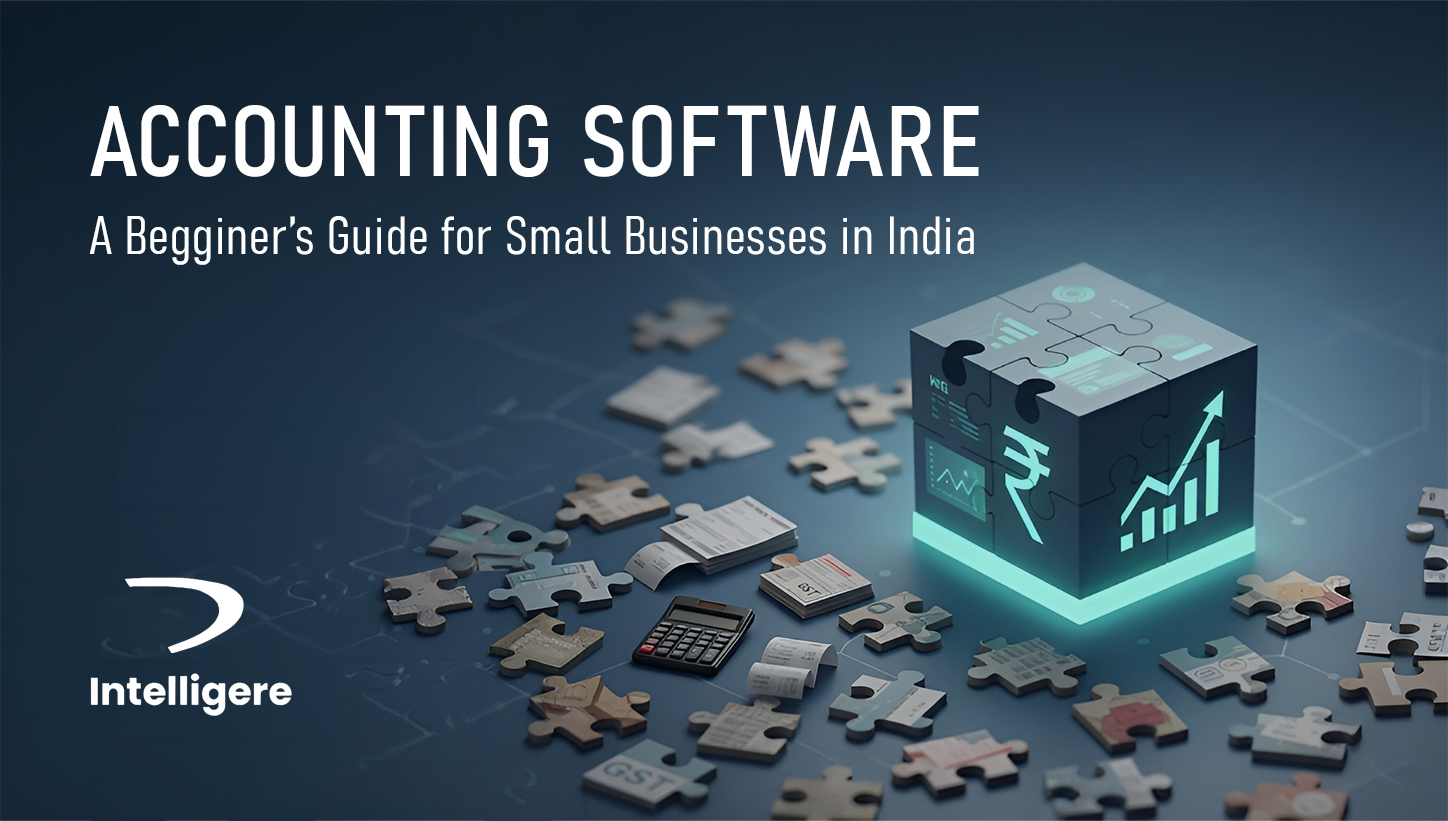
At first, it might appear easy to manage your business finances: a few invoices here, a
couple of expenses there. However, as your business expands, finances become more
complicated. Spreadsheets get messy,
manual entries lead to errors, and tax season becomes stressful. That is where accounting
software helps—it
simplifies,automates, and organizes financial tasks.
Whether you operate a small retail shop, a growing online store, or a local service business
in India, accounting software can be extremely beneficial.
This beginner’s guide explains what accounting software is, how it works, the different
types
available,
and how to choose the right one for your business.
What is accounting software?
Accounting software is a tool that helps businesses record, track, and manage financial
transactions
electronically.
Key functions:
- Create and send invoices
- Track income and expenses
- Reconcile bank accounts
- Calculate taxes and file GST
- Prepare financial documents like balance sheets and profit & loss statements
Benefits:
- Saves time
- Enhances accuracy
- Supports compliance
- Improves decision-making
For small businesses in India, accounting software reduces manual work, minimizes errors,
ensures GST compliance, and gives a clear view of business finances.
Why Do Small Businesses Need Accounting Software?
- Accuracy & Compliance: Minimizes manual errors and helps with GST
filing.
- Time Saving: Automates invoicing and bank reconciliation.
- Financial Clarity: Offers real-time insights on cash flow and profits.
- Professionalism: Creates branded invoices and organizes client data.
- Scalability: Grows with your business without major changes.
Small Business Accounting Services
- Invoicing & Billing: Create GST-compliant invoices automatically.
- Expense Tracking: Track and categorize expenses easily.
- Bank Reconciliation: Match transactions with bank data.
- Inventory Control: Monitor stock and cost of goods sold (COGS).
- Payroll & Employee Management: Handle salaries, deductions, and compliance.
- Tax Management: Automate GST, TDS, and financial reporting.
- Reporting & Dashboards: Access balance sheets, P&L statements, and cash flow reports.
Types of Accounting Software
Choose from the following types depending on your business size, industry, and budget:
Desktop-Based
Installed on local computers, robust but limited in remote access. Best for small businesses
without
online
needs.
Cloud-Based
Online, subscription-based, accessible anywhere. Ideal for small businesses needing
flexibility.
Industry-Specific
Designed for industries like retail, construction, or manufacturing with custom tools.
ERP-Integrated
Combines accounting with HR, inventory, and CRM. Suited for fast-growing businesses needing
all-in-one systems.
How to Choose the Right Accounting Software?
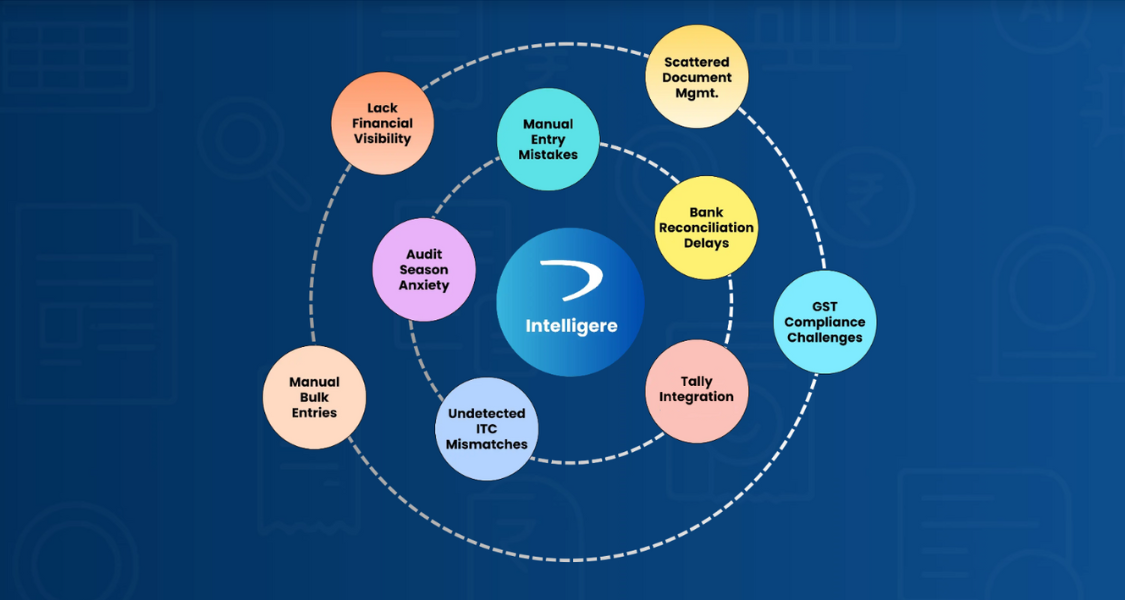
- Business Size & Needs: Freelancers may need basic invoicing;
growing companies may need payroll and multi-user access.
- Cloud vs Desktop: Choose cloud for flexibility; desktop for offline
access and more control.
- Budget & Pricing: Compare plans—some charge per feature, others per
user.
- Integration: Ensure compatibility with POS, CRM, bank accounts, and
payment gateways.
- Support & Scalability: Look for responsive support and features
that grow with your business.
Common Mistakes to Avoid!
- Choosing software with unnecessary features and overpaying.
- Skipping data backup and security.
- Not training staff properly.
- Ignoring tax and compliance updates.
Final Thoughts
Accounting software is not a luxury but a necessity for small businesses in India. It
simplifies
finances,
increases accuracy, ensures compliance, and saves time—allowing you to focus on growth.
Now that you know the fundamentals, explore our other guides to learn more.
Tabular Summary
| Section |
Key Takeaways |
| Definition |
Software that captures, tracks, and manages financial transactions
electronically.
|
| Why It Matters |
Saves time, improves accuracy, ensures GST compliance, and offers real-time
insights.
|
| Key Features |
Invoicing, expense management, bank reconciliation, payroll, tax filing,
reporting.
|
| Types |
Desktop, Cloud, Industry-specific, ERP-integrated. |
| Choosing the Right One |
Consider size, budget, integrations, scalability, and support. |
| Common Mistakes |
Overpaying, ignoring security, poor training, outdated compliance. |
FAQs
Look for automated invoicing, expense tracking, bank reconciliation, payroll,
tax compliance tools,
real-time reporting, and integrations with CRM or payment gateways.
Yes. Many platforms offer free or low-cost plans with basic features like
invoicing, expense tracking,
and tax calculation—ideal for early-stage businesses.
Free software includes basic features for very small businesses. Paid software
offers advanced features like
payroll, multi-user access, tax automation, analytics, and integrations.
Yes. Accounting software enhances accuracy, saves time, and maintains organized
records. It also helps accountants
access real-time data easily.
Prices start from ₹500–₹1000/month for simple plans. Advanced plans with
payroll, inventory, and analytics may
range from ₹2000–₹10000/month.
Cloud-based accounting software is usually best — it is affordable, scalable,
and accessible from anywhere.
 India's Most Trusted Accounting Automation Engine — Built for CAs & MSMEs
 73833 05404